Most people buy a WordPress maintenance plan the same way they buy insurance. They know they should, they’re not sure what’s in it, and they only find out when something goes wrong.
That’s a bad moment to read the fine print. So here’s what a WordPress maintenance plan is supposed to cover, what it doesn’t, and how to tell a good one from a plugin-update button with a monthly invoice attached.
The short version: A good WordPress maintenance plan does three things. It tests updates before they reach your live site, it keeps backups on a separate system, and it doesn’t change anything without asking you. It does not cover new features, content edits or major version upgrades. If a plan can’t explain those boundaries clearly, it isn’t really a plan.
What a WordPress maintenance plan is actually for
WordPress isn’t “set and forget.” It has three layers that update constantly: the core, your theme and your plugins. Each one ships security patches, bug fixes and new features on its own schedule, and nobody tests your particular combination of all three before they hit “release.”
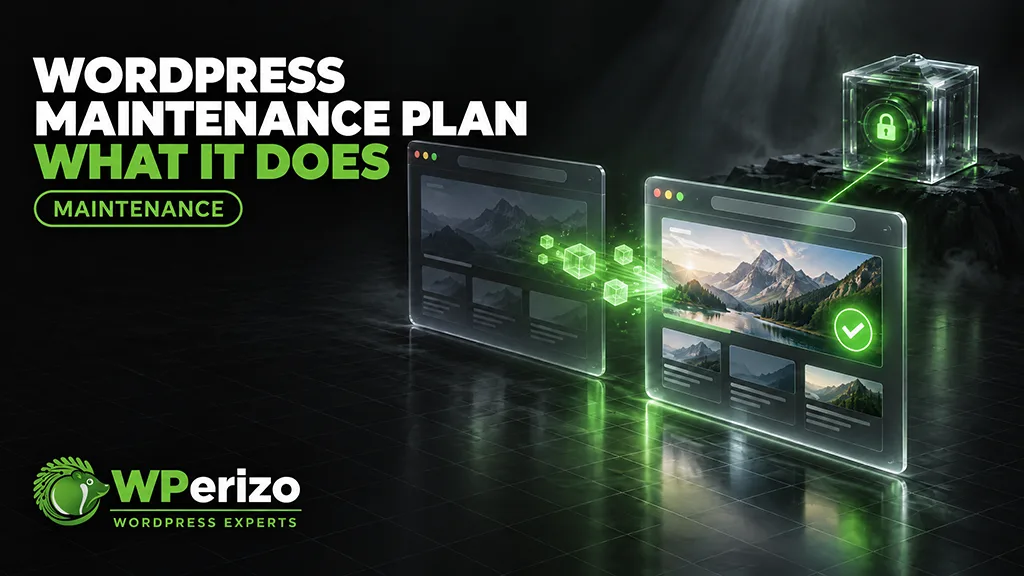
A maintenance plan keeps those three layers current without breaking the site. That’s the whole job. Everything else is either a bonus or a different service.
Updates, tested before they go live
Clicking “Update all” takes ten seconds. Maintenance is everything around that click.
A proper update routine looks like this:
Copy the live site to a private staging environment.
Apply the updates there.
Check for broken layouts, failing forms, errors and conflicts.
Only then push the updates to the live site.
That’s the same process we described in how to update WordPress without breaking your site. A plan that updates directly on production is just automatic updates with extra steps.
Timing matters too. Routine updates once or twice a month are enough for most sites. Critical security patches can’t wait for the next cycle. Some months make that obvious, like three WordPress security releases in nineteen days.
Backups that live somewhere else
A backup stored on the same server as your website protects you from almost nothing. If the server fails, gets compromised or the hosting account is suspended, the backup goes down with it.
What to look for:
Complete: all files (themes, plugins, uploads, configuration) and the full database.
Offsite: stored on a system physically separate from your hosting.
Retained: kept long enough to go back before a problem started. Fourteen days is a sensible minimum, because some problems take a week to notice.
The question isn’t “do you make backups?” Everyone says yes. Ask where they are stored and how long they are kept.
Nothing changes without your approval
This one gets overlooked. A maintenance plan should update what’s already there, and nothing else. No new plugins, no new features, no “while we were in there, we also changed…”
It sounds obvious, but it’s the difference between knowing what runs on your site and finding out later. Good maintenance is boring on purpose.
What a maintenance plan doesn’t do
This is where most misunderstandings start.
Major version upgrades. Moving from one major version to the next (WordPress 7.x to 8.0, for example) can involve API changes, replaced plugins and real testing time. The effort depends on the site, so it’s usually quoted separately. Routine updates within a version line are covered.
New plugins or features. Maintenance keeps your current setup current. Adding something new is a project.
Content changes. Updating a price list, swapping images, adding a page: that’s support, not maintenance.
Replacing abandoned plugins. If a plugin is discontinued and needs a replacement, that’s real work. A good provider tells you and gives you an estimate before doing anything.
Cleaning up years of buildup. Updates keep software current. They don’t shrink a database that has been growing for years. If your store is slow, that’s a separate kind of problem.
None of this is a trick. It’s just the line between keeping something running and changing it.
Maintenance vs. support
Maintenance is passive. It keeps the site updated and backed up without you doing anything.
Support is active. It’s someone you can call when you have a question, need a change or something looks wrong.
Many site owners only need maintenance. If you regularly send “can you quickly…” emails, you need both. They solve different problems.
WooCommerce maintenance is a different job
A WooCommerce store isn’t just a WordPress site with a shop page. Every update has to be checked against payment gateways, the checkout flow and order processing before it goes live. A broken contact form costs you a few messages. A broken checkout costs you orders, and you might not notice until a customer emails you.
That’s why WooCommerce maintenance usually costs more. It’s more testing, not more marketing.
The one requirement: an update-safe setup
Updates can only be safe if the site was built to be updated. The most common problem is customizations made directly in the parent theme. The next theme update overwrites them.
A child theme keeps your customizations separate from the theme’s core files. If your site doesn’t have one, it should be prepared before any maintenance plan starts. Otherwise every theme update is a gamble.
Questions to ask any maintenance provider
Are updates tested on staging first, or applied directly to the live site?
Where are backups stored, and for how long?
What counts as a “major” update, and what does it cost?
What happens if an update breaks something?
Will you install or change anything without asking me?
Is support (questions, content edits) included or separate?
If the answers are vague, the service probably is too.
When you don’t need a maintenance plan
You don’t need one if someone on your team already does all of this: staging updates, offsite backups and change control. You also don’t need one for a site you’re about to shut down or rebuild in the next few weeks.
Everyone else is maintaining their site already. The only question is whether someone does it on purpose or it happens by accident.
Our plans, in short
Our maintenance plans follow exactly the rules above:
| WordPress | WooCommerce | |
|---|---|---|
Price | $69/month | $89/month |
Updates | 1–2× monthly, critical security updates immediately | 1–2× monthly, critical security updates immediately |
Staging first | Yes | Yes, including checkout and payment checks |
Offsite backups | 14+ days | 14+ days |
Changes without approval | Never | Never |
Need hands-on help as well? Our support package includes two technician hours per month for $199. Hosting clients get an extra 10% off maintenance. All details are on the pricing page.