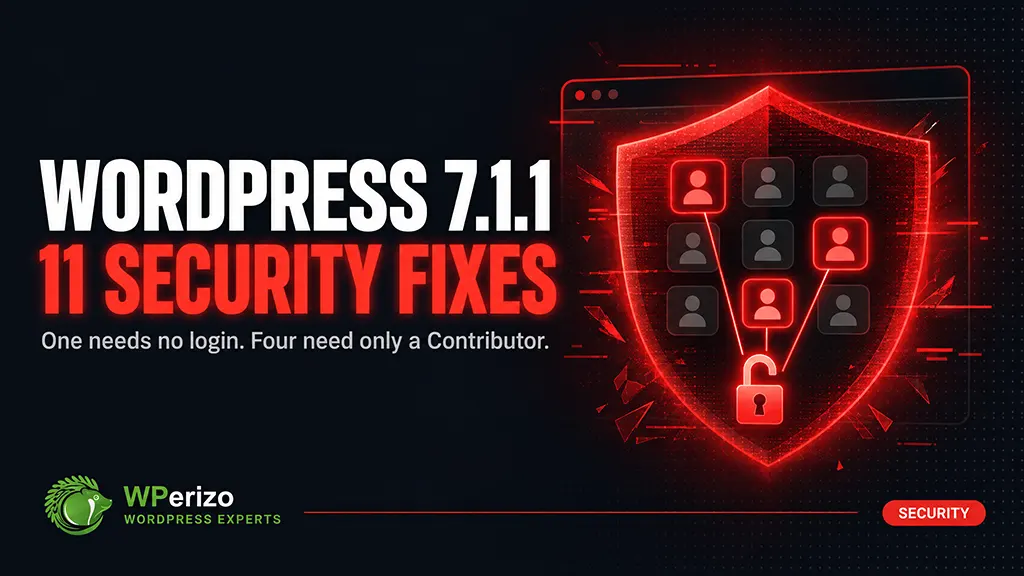
WordPress 7.1.1 was released on September 17, 2026. It’s a short-cycle maintenance and security release: 17 bug fixes in core, 19 in the block editor, and 11 security fixes. The release was led by Adam Silverstein, Adrian Duffell, Andrei Draganescu and Aaron Jorbin.
The official advice is to update immediately. That’s correct. But the more useful question is which of these eleven actually apply to your site — because the answer depends almost entirely on one thing: who has an account.
The one that needs no account at all
Most WordPress vulnerabilities require someone to be logged in. This one doesn’t.
A stored cross-site scripting flaw in wpautop() allows an unauthenticated visitor to inject script. It’s subject to comment approval, which is the mitigating factor — the payload has to get published before it does anything.
That mitigation is weaker than it sounds. If you have comments open and anyone on your team approves them without reading the markup closely, this is a live path. If you use a plugin that auto-approves comments from previously approved authors, it’s a shorter one. Reported by Rafie Muhammad of Awesome Motive.
If you run an open comment section, treat this one as the reason to update today rather than this weekend.
The Contributor problem
Four of the eleven fixes require only a Contributor account — the lowest publishing role WordPress has.
Contributor+ arbitrary post overwrite. A contributor can overwrite a post they don’t own. Reported by Anthropic.
Draft and pending post slug disclosure. A missing authorization check lets a contributor discover the slugs of unpublished content.
Missing read_post check in attachment_submitbox_metadata(). Leaks the title of a private parent post. Reported by HDWSec.
Comment reparenting. Any authenticated user can move comments — including private notes — to a different parent.
Individually these look minor. Together they describe something worth taking seriously: the Contributor role is less contained than most site owners assume.
And here’s why that matters more than the severity ratings suggest. Think about who actually holds a Contributor or Subscriber account on your site.
A membership site hands one to every paying member. A multi-author blog gives them to freelancers who wrote one post two years ago and never came back. A WooCommerce store gives Customer accounts to everyone who has ever checked out — and staff accounts to people who no longer work there.
The question isn’t whether these vulnerabilities are severe. It’s how many accounts on your site you couldn’t personally vouch for.
The rest of the eleven
HTML API comment breakout. set_modifiable_text() allows breaking out of an HTML comment via abrupt-closing sequences. Reported by Jeremy Felt of the WordPress Security Team.
Stored XSS in themes supporting custom headers. Also reported by Jeremy Felt. Relevant if your theme offers a custom header image or text — many classic themes do.
Theme install via crafted URL. Specially crafted URLs can automatically install and preview an inactive theme from WordPress.org. Reported by Paulos Yibelo and pwn.ai. Installing arbitrary code from a URL is exactly the kind of primitive that gets chained into something worse.
Network-only plugin activation. A Site Administrator on a multisite install can network-activate a plugin intended to be network-only. Reported by Jesse McNeil. Multisite only.
Authenticated path traversal in the WP REST Templates Controller. Reported by Anthropic.
XML-RPC customize_changeset bypass. XML-RPC can publish changeset posts that bypass edit_css capability checks. Reported by Ben Bidner of the WordPress Security Team. If you don’t use XML-RPC, disabling it removes this one and a great deal of brute-force traffic besides.
Is this update risky?
Short-cycle security releases are the safest updates WordPress ships. They’re narrow, they don’t introduce features, and they rarely break anything.
Rarely is not never. 7.1.1 includes 19 block editor fixes, and 7.1 already changed the editor substantially — the post editor is now fully iframed for every theme, which we covered in our 7.1 write-up. If a plugin of yours was patched or worked around to cope with 7.1, it’s worth a look after updating.
For a standard site: back up, update, verify. For a WooCommerce store: stage it, and place a test order before you deploy.
What to check after updating
Six things, and none take long.
Confirm the version is really 7.1.1. Dashboard → Updates. An interrupted update can report the new version while old files are still in place.
Load the block editor. Open an existing post and a new one. Confirm your blocks render and your editor plugins still appear.
Audit your user accounts. This is the step that matters most given what’s in this release. Users → All Users. Look at everyone with Contributor and above. Remove the ones who shouldn’t still be there — the freelancer from 2024, the former staff member, the agency you stopped working with.
Check the front end for anything custom. Custom header, custom CSS through the Customizer, anything that touches wpautop() output.
On WooCommerce: place a test order. Core updates rarely break checkout. Rarely isn’t never, and the failure is silent.
Read the PHP error log. Quietly failing plugins show up here and nowhere else.
The short version
WordPress 7.1.1 is a security release with 11 fixes. Update now, not at the weekend.
One flaw needs no login at all — a stored XSS via wpautop(), gated only by comment approval. Four need nothing more than a Contributor account. If your site has members, customers, freelancers or staff logins, those four are the ones that apply to you.
The update itself is low risk. Back up, update, confirm the version, open the block editor, and place a test order if you run a store.
Then do the thing this release should really prompt: open your user list and delete every account that no longer needs to exist. Most of the risk in this release isn’t in the code. It’s in the accounts nobody has looked at in two years.
Not sure whether your site is patched — or who still has access to it? Get in touch — phone, email or live chat.
Our WordPress Maintenance package is $69/month, fixed: every security release staged and tested before it reaches your live site, with offsite backups and monitoring. For stores, the WooCommerce package is $89/month and includes test transactions through your real payment gateways. Security releases like this one get applied the day they ship — you don’t have to notice them.